Customers have more choices than ever.
When someone needs a product, service, quote, appointment, or answer, they can contact several businesses at the same time. They don’t necessarily wait for one company to respond before moving to another.
That makes customer response time more than a customer service metric.
It can directly influence whether a conversation becomes a sales opportunity or disappears.
A customer may send a simple message such as:
“Hi, I want to know the price.”
What happens next can determine the entire customer journey.
If the business responds quickly, the conversation continues.
If the customer waits too long, they may contact a competitor, lose interest, or simply move on.
The challenge is that improving response time isn’t as simple as telling employees to reply faster. As conversation volume increases, teams need systems that can organize incoming messages, identify what requires attention, distribute conversations, automate repetitive responses, and bring human employees into the conversation when needed.
This is where AI-powered customer communication becomes important.
Why Response Time Matters More Than It Used To
Customer expectations have changed.
Digital communication has created an environment where customers are accustomed to immediate interactions. A person can send a WhatsApp message, ask a question on Instagram, submit a website inquiry, or contact a business through Messenger within seconds.
They expect businesses to be available through the channels they already use.
But being available isn’t enough.
The business also needs to respond efficiently.
When a customer sends a message and receives no response, several things can happen:
- The customer contacts another business.
- The opportunity becomes colder.
- The customer sends another message asking for an update.
- The team loses visibility into the conversation.
- The employee eventually responds without knowing the full context.
- The sales opportunity may disappear completely.
The longer a conversation remains unattended, the harder it can become to maintain momentum.
The Hidden Cost of Slow Customer Responses
Slow responses don’t always appear as a clear loss inside a company’s reports.
There may be no notification saying:
“This customer left because we replied too late.”
Instead, the impact can appear indirectly.
Fewer conversations continue.
Fewer leads become qualified.
Salespeople spend more time recovering cold opportunities.
Customers send repeated messages.
Managers struggle to understand why conversion is inconsistent.
This is why response time should be viewed as part of the customer journey rather than an isolated operational metric.
A delayed response can create friction at the exact moment when customer interest is highest.
The Problem Isn’t Always Your Team
It’s easy to assume that the solution is simply hiring more employees.
More employees can certainly increase capacity, but they don’t automatically solve the operational problems surrounding customer communication.
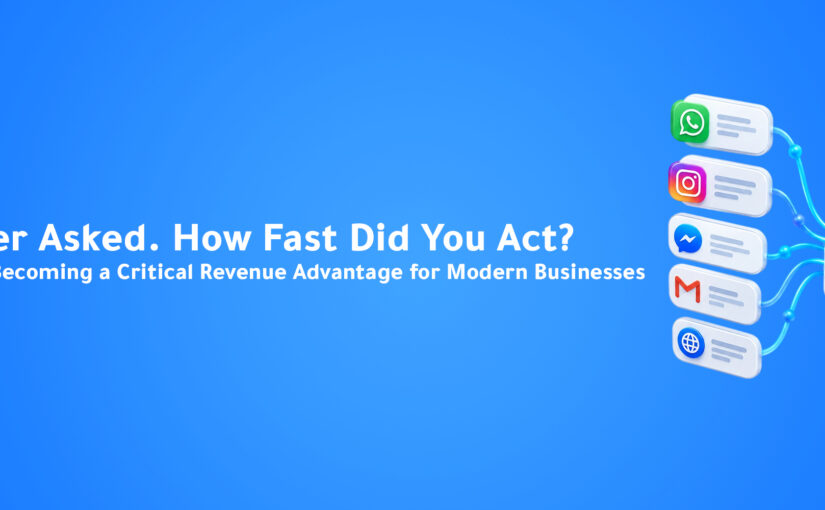
Imagine a team receiving hundreds of inquiries across WhatsApp, Instagram, Messenger, Email, and Web Chat.
Even with enough employees, the business still needs to answer important questions:
Who owns this conversation?
Has anyone replied?
Is the customer waiting for us or are we waiting for them?
What did the customer ask previously?
Does this lead require immediate attention?
What should happen next?
Without a connected system, employees may spend valuable time simply figuring out what needs to be done.
The answer isn’t always more people.
Sometimes it’s a better workflow.
One Inbox Can Reduce Communication Friction
One of the biggest operational challenges for modern teams is fragmented communication.
A customer may start a conversation on Instagram.
Another may contact the business through WhatsApp.
Someone else may send an email.
Another customer may use the website chat.
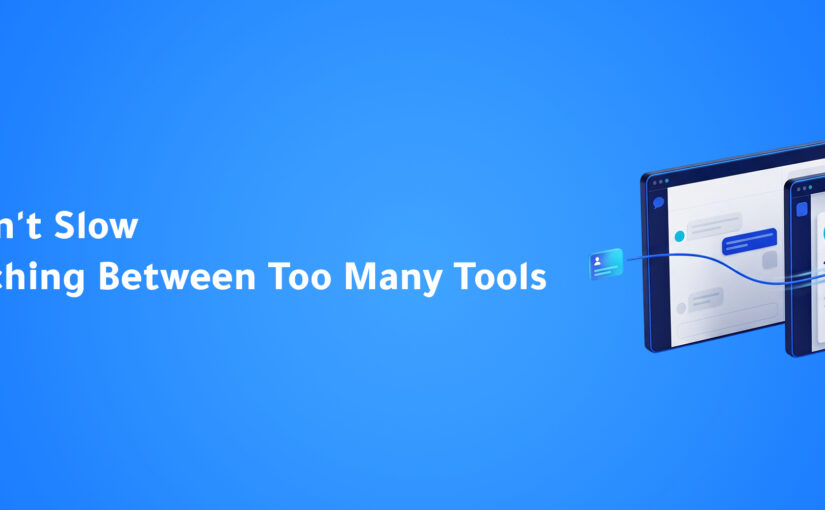
When these conversations are managed separately, employees have to switch between platforms to keep up.
A Unified Inbox creates a central environment where connected customer conversations can be managed together.
ConnectGain is designed around this approach, bringing customer communication channels into a centralized Inbox while connecting conversations with CRM data and team workflows. Pasted text(2)
The basic workflow becomes:
Multiple Channels → Unified Inbox → Team → Customer Response
Instead of asking employees to monitor every platform independently, the business creates one operational layer for customer communication.
AI Can Handle the Repetitive Part
Not every customer message requires a salesperson or support employee.
Many conversations begin with simple questions.
Pricing.
Availability.
Opening hours.
Product information.
Service details.
Booking questions.
Frequently asked questions.
AI can help businesses handle repetitive interactions quickly while allowing employees to focus on conversations that require human judgment.
The goal isn’t to replace every human interaction.
It’s to prevent employees from spending their time answering questions that an automated system can handle consistently.
This creates a more efficient division of work:
AI handles repetitive communication.
Humans handle conversations that need them.
Smart Routing Makes Speed a Team Responsibility
Responding quickly isn’t only about generating a response.
The conversation also needs to reach the right person.
If an important inquiry enters the Inbox but nobody owns it, the customer can still experience a delay.
That’s why conversation assignment is an important part of response-time optimization.
ConnectGain’s workflows include smart assignment capabilities that can distribute work among team members using different strategies, including round-robin, workload-based, and skills-matching assignment. Pasted text(2)
The workflow can therefore become:
New Inquiry → Conversation Identified → Team Member Assigned → Customer Assisted
This creates clearer ownership while reducing the need for employees or managers to manually coordinate every incoming conversation.
Human Handoff Still Matters
Fast automation doesn’t mean every conversation should remain automated.
Some customers have complex questions.
Some are ready to negotiate.
Some need a specialized employee.
Some simply prefer speaking with a person.
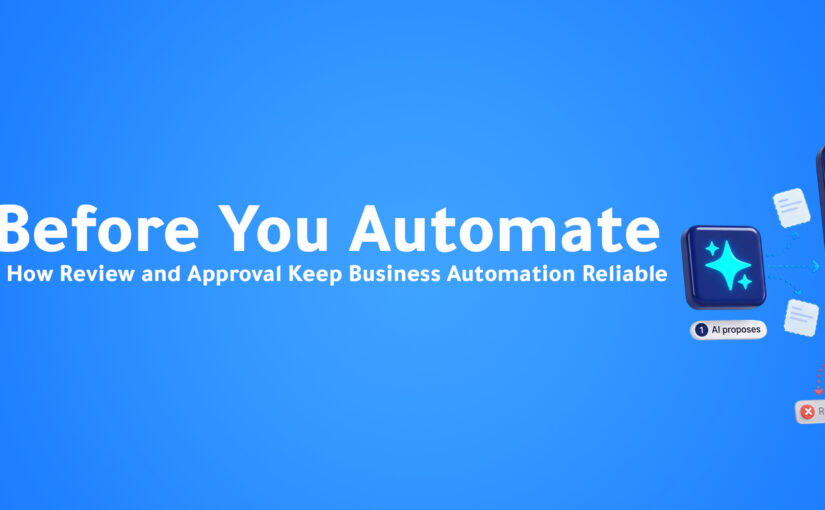
An effective AI customer communication workflow should recognize when human involvement creates more value.
The ideal process isn’t:
Customer → AI → End
It’s:
Customer → AI → Understanding → Appropriate Action → Human Handoff When Needed
This allows businesses to combine speed with human expertise.
Follow-Up Is Part of Response Time Too
Customer communication doesn’t end after the first reply.
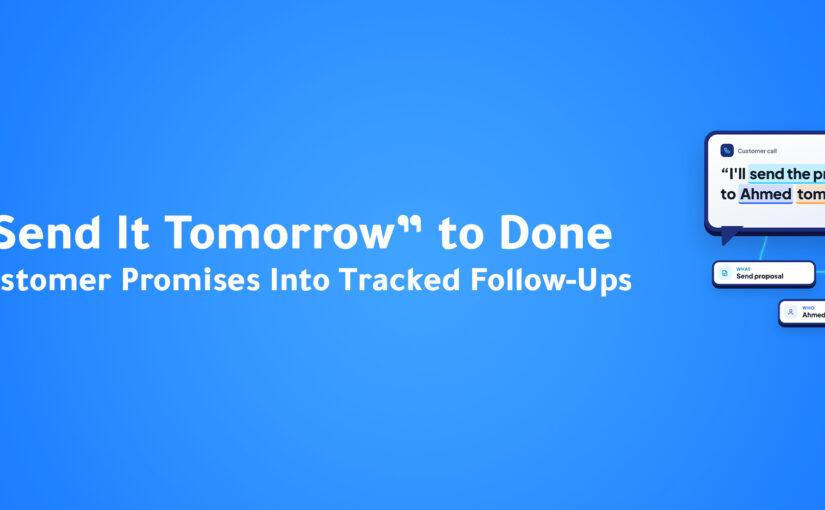
A customer may ask for a proposal and need a follow-up tomorrow.
Someone may request a demo but not respond afterward.
Another customer may say they are interested but need time before making a decision.
If the team doesn’t follow up, a promising conversation can gradually become inactive.
Automation can help businesses maintain consistency.
ConnectGain supports automated multi-channel Sequences that can be used for ongoing communication and follow-up through channels including SMS, Email, Web Push, and App Push. Pasted text(2)
This allows the business to build follow-up into the workflow rather than relying entirely on employees to remember every future action.
Response Speed + Customer Context
Speed is valuable.
But speed without context can create another problem.
A customer doesn’t want to repeat the same information every time they speak with a business.
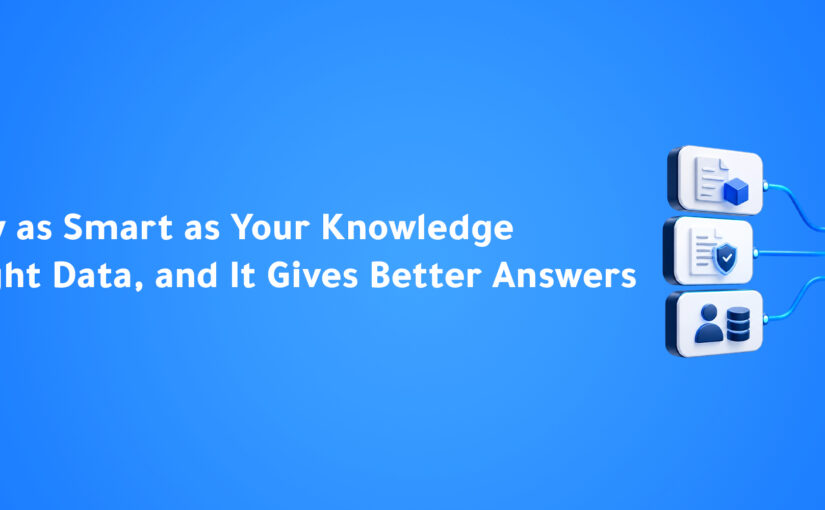
That’s why a fast response becomes significantly more valuable when the team also has access to customer context.
A connected customer view can include:
- Previous conversations.
- Contact information.
- Customer status.
- Product interest.
- Sales activity.
- Deal information.
- Follow-up history.
The team can then respond faster without sacrificing continuity.
The objective is not simply:
Reply quickly.
It’s:
Reply quickly with the right context.
Measuring Customer Response Time
Businesses can’t improve what they don’t measure.
Response-time analysis can help teams understand how effectively they handle incoming customer communication.
Useful metrics can include:
Average Response Time
How long does it typically take the team to respond?
First Response Time
How quickly does the customer receive the first meaningful response?
Unanswered Conversations
How many conversations are waiting for an initial response?
Waiting for Our Reply
How many customers are currently waiting for the business?
Waiting for Client Reply
How many conversations are currently waiting on the customer?
Conversation Volume
How many customer conversations is the team handling?
These metrics help managers move from assumptions to operational visibility.
From “Reply Faster” to “Build Faster Systems”
The biggest mistake businesses can make is treating response time as an employee-speed problem.
The better question is:
What can the system do automatically before a human employee needs to step in?
A well-designed workflow might look like this:
Customer Sends Message → AI Understands Intent → Conversation Captured → Lead Identified → Conversation Assigned → Automated Response → Human Handoff if Needed → Follow-Up Scheduled → CRM Updated
Now speed is built into the process.
Employees don’t have to remember every step.
The system supports them.
Why This Matters for Sales Teams
Sales opportunities are especially sensitive to timing.
A customer who is actively researching a product or requesting pricing may already be considering several options.
The business that responds first with a useful answer has an opportunity to shape the conversation.
That doesn’t guarantee a sale.
But it creates the opportunity to continue the relationship while the customer’s intent is still active.
AI can support this process by identifying customer intent, helping qualify leads, and surfacing important conversations for the sales team. ConnectGain also includes interest analysis capabilities that categorize leads based on conversation analysis. Pasted text(2)
This allows teams to focus their attention where it can have the greatest impact.
The Competitive Advantage Isn’t Just Speed
Being fast isn’t enough.
A business can respond in five seconds with an irrelevant answer and still lose the customer.
The real advantage comes from combining:
Speed + Context + Relevance + Ownership + Follow-Up
That’s what turns response time from a simple metric into a complete customer communication strategy.
A customer should feel that the business:
- Saw the message.
- Understood the request.
- Responded appropriately.
- Knows their history.
- Has someone responsible for helping them.
- Will continue the conversation when necessary.
AI and automation can help businesses build that experience at scale.
How ConnectGain Helps Businesses Respond Faster
ConnectGain brings customer conversations, CRM data, AI, and business workflows into one connected environment.
The platform can help businesses:
- Centralize customer conversations.
- Manage multiple communication channels through a Unified Inbox.
- Identify conversations that require attention.
- Assign conversations to available team members.
- Automate repetitive customer communication.
- Manage customer data and sales opportunities.
- Create follow-up workflows.
- Connect conversations with CRM activity.
- Use AI to understand customer intent and sentiment.
The result is a workflow designed around the customer journey rather than around individual communication platforms.
Customer Message → Understanding → Assignment → Response → Follow-Up → Business Action
Key Takeaways
✔ Customer response time can directly affect the momentum of a sales opportunity.
✔ Slow responses can create friction even when the product or service is strong.
✔ Hiring more employees isn’t always the answer to communication bottlenecks.
✔ A Unified Inbox gives teams one place to manage customer conversations.
✔ AI can handle repetitive questions and help identify customer intent.
✔ Smart assignment creates clearer ownership for incoming conversations.
✔ Automated follow-up helps prevent promising conversations from going inactive.
✔ Fast responses become more valuable when they include the right customer context.
✔ The strongest customer communication workflows combine AI automation with human expertise.
Frequently Asked Questions
Why is customer response time important?
Customer response time matters because customers can contact multiple businesses and may move on when their inquiry remains unanswered for too long. Faster, relevant responses help businesses maintain conversation momentum.
How can AI improve customer response time?
AI can respond to repetitive questions, identify customer intent, route conversations, and trigger workflows before a human employee needs to intervene.
Does faster response always mean more sales?
Not necessarily. Speed is one part of the customer experience. The response also needs to be relevant, accurate, and connected to the customer’s context.
Can a Unified Inbox improve response time?
A Unified Inbox can reduce the need to monitor multiple communication platforms separately, giving teams a centralized environment for managing incoming conversations.
Should AI replace human customer conversations?
No. AI is most effective when it handles repetitive work and supports human employees, while complex, sensitive, or high-value conversations can be transferred to the appropriate person.
Conclusion
The customer who sends a message is already giving your business an opportunity.
The question is what happens next.
If the message waits in an inbox, gets lost between platforms, or reaches an employee without enough context, the opportunity can lose momentum.
But when the system can capture the conversation, understand the request, assign the right team member, respond quickly, and schedule the next action, customer communication becomes much more than messaging.
It becomes a connected business workflow.
The fastest company doesn’t always win the customer. But a company that combines speed, context, and intelligent follow-up has a much better chance of keeping the conversation moving.
Ready to Make Every Customer Conversation Faster?
ConnectGain by Appgain helps businesses connect customer conversations, AI automation, CRM data, team assignment, and follow-up workflows in one platform.
Bring your customer channels together, respond faster, automate repetitive steps, and give your team the context they need to turn conversations into meaningful business opportunities.
Your customers are already reaching out. Make sure your business is ready to respond.
Contact Us
📞 WhatsApp: +20 111 998 5526
🌐 Website: appgain.io
📧 Email: He***@*****in.io