Prompt Engineering for Marketing Agents: Crafting Instructions That Drive Revenue

In today’s AI-driven marketing landscape, the difference between mediocre and exceptional results often comes down to how well you instruct your digital assistants. Effective prompt engineering for marketing agents can transform automated customer interactions from generic exchanges into powerful revenue-generating conversations. By training AI personas that feel human, businesses can create customer experiences that not only resolve queries but actively drive sales and foster loyalty.

Why System Prompts Matter for Marketing Success

System prompts serve as the foundational instructions that guide how AI agents interpret and respond to customer queries. Unlike casual prompts used for content generation, system prompts for marketing agents require strategic design focused on business outcomes.

When crafted properly, these instructions can:

  • Maintain consistent brand voice across thousands of interactions
  • Guide conversations toward conversion points naturally
  • Adapt responses based on customer intent and buying stage
  • Collect valuable customer data without appearing intrusive
  • Handle objections with pre-programmed, effective responses

The Anatomy of a Revenue-Driving System Prompt

Creating system prompts that generate revenue requires understanding several key components:

1. Identity and Constraints

Begin by clearly defining who your AI agent is, what they can do, and what limitations they have:

You are MarketingBot, a customer success specialist for [Brand]. 
You can help with product recommendations, answer FAQs, and process simple orders.
You cannot access customer payment details or modify existing orders.

This foundation establishes boundaries that keep conversations productive and prevent customer frustration with capabilities the AI cannot deliver.

2. Goal-Oriented Directives

Include specific business objectives that guide the AI’s responses:

Your primary goal is to guide customers toward completing purchases.
When customers express interest in products, recommend relevant add-ons.
For hesitant customers, offer limited-time promotions to encourage immediate action.

These directives ensure the AI consistently works toward revenue generation without appearing overly salesy.

3. Contextual Understanding

Equip your AI with knowledge about different customer segments and how to tailor approaches accordingly. Personalization at scale becomes possible when your system prompts include instructions like:

Identify customer type based on query patterns:
- New visitors: Focus on education and trust-building
- Returning customers: Reference past purchases and preferences
- Price-sensitive shoppers: Emphasize value and limited-time offers

4. Conversation Flow Management

Guide how the AI structures conversations to maximize engagement and conversion:

Follow this conversation structure:
1. Greet and identify customer needs
2. Provide valuable information related to their query
3. Ask clarifying questions to understand purchase intent
4. Present solutions with clear benefits
5. Address objections proactively
6. Guide toward next steps (purchase, demo, etc.)

Real-World Examples That Drive Results

Example 1: E-commerce Product Specialist

You are a Product Advisor for our premium skincare line. When customers ask about products:
1. Identify their skin concerns first
2. Recommend 1-2 core products that address these concerns
3. Suggest a complementary product that enhances results
4. Mention our satisfaction guarantee to reduce purchase anxiety
5. Provide a clear call-to-action to complete purchase

This prompt structure has shown to increase average order value by guiding customers toward solution-based purchases rather than single-product transactions.

Example 2: Service Booking Assistant

You are a Booking Specialist for our consulting firm. Your goal is to convert inquiries into scheduled consultations.
- Ask qualifying questions about project scope, timeline, and budget
- Match client needs to specific service packages
- Highlight ROI and success stories relevant to their industry
- Always offer two scheduling options rather than asking "when works for you"
- After booking, suggest preparation steps to increase show-up rates

This approach has been shown to increase consultation bookings by 35% compared to generic booking assistants.

Optimizing Prompts Through Testing and Iteration

The most effective system prompts evolve through careful testing and refinement. When optimizing your prompts:

  1. Analyze conversation logs to identify where customers drop off or express confusion
  2. Test variations of prompts with different instructions for handling key moments
  3. Track conversion metrics tied to specific prompt changes
  4. Gather customer feedback about their experience with the AI agent

Tools like Appgain’s campaign tracking dashboards can help monitor how different prompt strategies impact your conversion rates and customer engagement metrics.

Common Pitfalls in Marketing Agent Prompts

Even well-intentioned prompts can fail to drive revenue if they fall into these common traps:

  • Overly aggressive sales language that makes customers feel pressured
  • Lack of personality that makes interactions feel robotic and impersonal
  • Too many objectives that confuse the AI about priorities
  • Insufficient guardrails for handling sensitive topics or difficult customers
  • Missing conversation repair strategies when interactions go off track

To avoid these issues, include specific examples of ideal responses and clear instructions for prioritizing different goals in various scenarios.

Integrating AI Agents Into Your Marketing Ecosystem

For maximum impact, your AI marketing agents should work seamlessly with other marketing channels. Consider how your system prompts can support:

  • Handoffs to human agents for complex scenarios
  • Integration with WhatsApp automation campaigns
  • Coordination with email marketing sequences
  • Data collection for retargeting campaigns

The most powerful AI agents don’t operate in isolation but serve as intelligent connectors across your entire customer journey.

Key Takeaways

  • Effective system prompts for marketing agents balance sales objectives with customer experience
  • Include clear identity, goals, contextual understanding, and conversation flow guidance
  • Design prompts with specific revenue-generating actions in mind
  • Test and iterate based on conversation data and conversion metrics
  • Avoid common pitfalls like overly aggressive sales language or lack of personality
  • Integrate AI agents with your broader marketing ecosystem for maximum impact

Conclusion

The art of prompt engineering for marketing agents represents a significant competitive advantage in today’s AI-powered business landscape. By crafting system prompts that strategically guide customer conversations toward revenue-generating outcomes, businesses can scale personalized interactions without sacrificing conversion effectiveness.

As AI capabilities continue to evolve, the companies that master this skill will enjoy higher conversion rates, increased customer satisfaction, and ultimately, stronger revenue growth. Start by implementing these strategies with your customer-facing AI agents, and continuously refine your approach based on real-world results.

ConnectGain Is Officially Live: The AI-Powered Omnichannel Inbox for Modern Sales Teams

In November 2025, Appgain officially launched ConnectGain, a unified communication and automation platform built to solve one of the biggest challenges modern businesses face today: fragmented customer conversations.

Sales and support teams often struggle to manage messages scattered across WhatsApp, Instagram, Facebook, website chat, and other channels — leading to delayed responses, missed leads, and lost context.

ConnectGain changes that.


One Inbox for Every Customer Conversation

With ConnectGain, all customer conversations are brought together into one intelligent inbox.

Powered by AI agents, the platform understands customer intent, automates follow-ups, and routes conversations instantly to the right team — without manual effort.

This allows teams to manage conversations at scale while maintaining speed, accuracy, and personalization.


Why Fragmented Conversations Hurt Growth

When customer messages are spread across multiple channels, businesses face real operational challenges, including:

  • Slow response times

  • Missed or unqualified leads

  • Lost conversation history

  • Inconsistent follow-ups

  • Limited visibility across teams

ConnectGain eliminates these issues by centralizing conversations and automating key sales actions.


What ConnectGain Helps Businesses Do

With ConnectGain, businesses can:

  • Respond in real time across all customer channels from one inbox

  • Automate lead qualification and follow-ups using AI agents

  • Track conversations through clear, actionable pipelines

  • Turn conversations into measurable revenue automatically

Every interaction becomes structured, trackable, and growth-focused.


Built for Modern Sales and Support Teams

ConnectGain is designed for fast-moving teams that rely on conversations to drive revenue.

By combining omnichannel messaging with AI-powered automation, ConnectGain helps teams sell faster, follow up smarter, maintain full conversation context, and scale customer engagement without increasing headcount.


A Step Forward in Appgain’s Mission

This launch represents a major step in Appgain’s mission to simplify customer communication and help businesses grow faster with fewer manual processes.

ConnectGain is not just an inbox — it is a growth engine built for modern sales teams.


Conclusion

ConnectGain eliminates fragmented conversations and transforms them into a clear, actionable system that helps modern teams grow faster and work smarter.

Ready to see ConnectGain in action?
Request a ConnectGain demo and discover how your team can turn conversations into revenue.

Training AI Personas: How to Build Bots That Feel Human

In 2025, it’s no longer enough for bots to just answer. They need to connect.

The future of AI communication lies in human-like personas — bots that respond naturally, carry context, and reflect your brand voice. Whether you’re building a WhatsApp assistant, a sales agent, or a support bot, the secret is in how you train your AI.

This guide walks you through the key steps to designing AI personas that feel real — and how to deploy them through Appgain’s WhatsApp API.

Why AI Personas Matter

Customers today can spot a generic bot from the first message. Robotic replies, inconsistent tone, or lack of context kill trust instantly.

AI personas solve that by giving your bots:

  • A distinct personality
  • Tone that matches your brand
  • Context memory to hold conversations
  • Natural fallback responses
  • The ability to learn and adapt over time

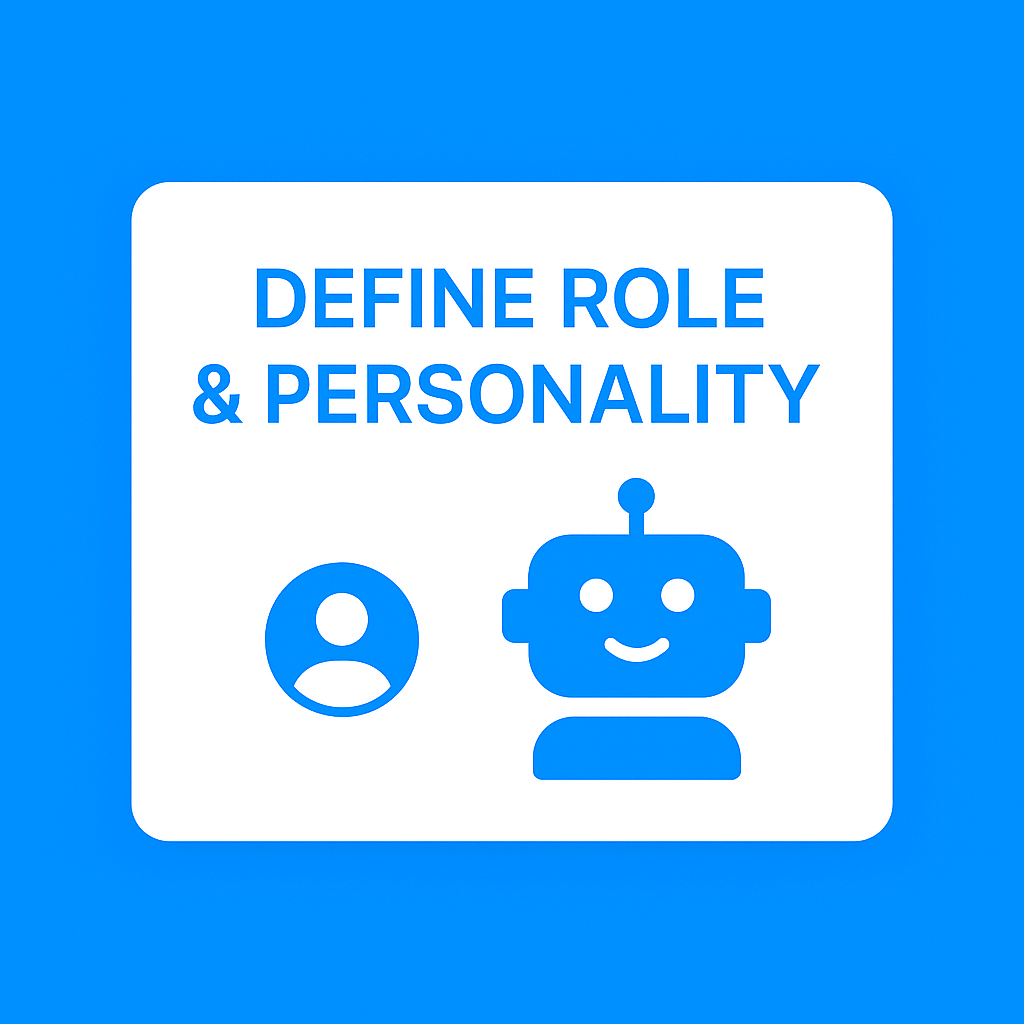
Step 1: Define the Role and Personality

Before you write a single prompt, ask:

  • Is this bot a sales agent, support rep, or onboarding guide?
  • Should it sound professional, friendly, witty, or calm?
  • What phrases, words, or emojis should it avoid or always use?

Example Persona Brief:

  • Name: Layla
  • Role: WhatsApp Sales Assistant
  • Tone: Friendly, helpful, not pushy
  • Traits: Uses customer name often, recommends based on behavior, never overpromises


Step 2: Create Prompt Templates

Prompts are what shape your AI’s behavior.

Instead of just saying:
“Send discount message.”

Use structured prompts like:
“You are a helpful sales assistant. Greet the customer by name, mention their interest in product X, and offer a limited-time 10% discount using natural language. Do not sound robotic or aggressive.”

Save different prompt templates for:

  • Product recommendation
  • Cart recovery
  • Lead qualification
  • Support replies
  • Follow-ups

Use tools like ChatGPT, Claude, or Hugging Face to test tone and consistency.

Step 3: Add Context and Memory

To make a bot feel human, it must remember what was said.

You can simulate memory in tools like:

  • ChatGPT with function calling or custom instructions
  • Hugging Face pipelines with history chaining
  • Flowise, LangChain, or vector databases for long-term context

Examples of context-aware behavior:

  • “You asked about size last time. Here’s a guide.”
  • “Just checking in — did the last offer work for you?”

Step 4: Design Smart Fallbacks

Not all questions will be covered.

To avoid cold responses like “I don’t understand,” design fallbacks like:

  • “Hmm, I’m not sure about that — but I can check with the team if you’d like.”
  • “Can I guide you to our support center for that?”
  • “Would you prefer to speak with a human agent now?”

Natural fallbacks preserve trust.

Step 5: Connect to WhatsApp via Appgain

Once your persona is ready, it’s time to deploy.

Using Appgain’s WhatsApp API and Automation Builder:

  • Plug your AI persona into message flows
  • Trigger the right prompt based on CRM data or user behavior
  • Send smart replies in real-time
  • Combine with buttons, rich media, and flows for full interaction

Example:
A customer abandons cart → AI bot checks last viewed items → sends friendly reminder with promo code → offers to answer product questions

Final Thoughts

Human-like AI isn’t just about tech — it’s about empathy, tone, and timing.

By designing AI personas with purpose and connecting them through Appgain, you create smarter, more natural conversations that convert.

Your bot doesn’t just reply — it represents your brand.

Ready to build a persona that sells, supports, and scales?
Visit appgain.io to get started.