In today’s AI-driven marketing landscape, connecting your product data to intelligent conversational agents can transform customer interactions. This comprehensive guide walks you through building a Retrieval Augmented Generation (RAG) pipeline that turns static product catalogs into dynamic AI marketing tools that can speak one-on-one to thousands of customers with personalized recommendations.
What is a RAG Pipeline and Why It Matters for Marketing
A Retrieval Augmented Generation (RAG) pipeline combines the power of large language models with your specific product data. Instead of relying solely on an AI’s general knowledge, RAG enables your conversational agents to access, retrieve, and leverage your actual product information when interacting with customers.
For marketers, this means:
- AI agents that can accurately discuss your specific products
- Reduced hallucinations and factual errors in AI responses
- Dynamic product recommendations based on real-time inventory
- Scalable personalization across thousands of customer conversations
The Components of a Product Catalog RAG Pipeline
Before diving into implementation, let’s understand the key components:
- Data Source: Your product catalog (CSV, database, API)
- Vector Database: Stores semantic representations of your products
- Embedding Model: Converts product text into vector representations
- Retrieval System: Finds relevant products based on customer queries
- Large Language Model (LLM): Generates natural responses incorporating product data
- Orchestration Layer: Connects all components into a seamless workflow
Step 1: Preparing Your Product Catalog Data
The foundation of any effective RAG pipeline is clean, structured data. Start by organizing your product catalog in a consistent format:
CSV Structure Best Practices
product_id,name,description,price,category,attributes,image_url
1001,"Wireless Earbuds","Premium noise-cancelling wireless earbuds with 24-hour battery life.",129.99,"Electronics","{color: 'black', waterproof: true}","https://example.com/images/earbuds.jpg"
Data Cleaning Considerations
- Remove duplicate products
- Standardize text formatting (capitalization, punctuation)
- Ensure descriptions are detailed enough for meaningful embeddings
- Handle missing values appropriately
For larger catalogs, consider breaking down the data processing into batches to avoid memory issues during the embedding process.
Step 2: Creating Vector Embeddings from Product Data
To make your product data searchable by AI, you need to convert text descriptions into vector embeddings – numerical representations that capture semantic meaning.
Code Example: Generating Embeddings with OpenAI
import pandas as pd
import openai
import numpy as np

# Load your product data
products_df = pd.read_csv('product_catalog.csv')

# Initialize OpenAI client
openai.api_key = "your-api-key"

# Function to create embeddings
def get_embedding(text):
    response = openai.Embedding.create(
        input=text,
        model="text-embedding-ada-002"
    )
    return response['data'][0]['embedding']

# Combine relevant fields for embedding
products_df['embedding_text'] = products_df['name'] + ": " + products_df['description'] + " Category: " + products_df['category']

# Generate embeddings (consider batching for large catalogs)
products_df['embedding'] = products_df['embedding_text'].apply(get_embedding)

# Save embeddings
products_df.to_pickle('products_with_embeddings.pkl')
Step 3: Setting Up a Vector Database
Vector databases are specialized for storing and querying embedding vectors efficiently. For a product catalog RAG pipeline, popular options include Pinecone, Weaviate, Qdrant, or even FAISS for smaller datasets.
Example: Storing Embeddings in Pinecone
import pinecone
import uuid

# Initialize Pinecone
pinecone.init(api_key="your-pinecone-api-key", environment="your-environment")

# Create index if it doesn't exist
index_name = "product-catalog"
if index_name not in pinecone.list_indexes():
    pinecone.create_index(index_name, dimension=1536)  # dimension for OpenAI ada-002 embeddings

# Connect to the index
index = pinecone.Index(index_name)

# Prepare data for upsert
vectors_to_upsert = []
for idx, row in products_df.iterrows():
    # Create a unique ID for each product
    vector_id = str(uuid.uuid4())

    # Prepare metadata (will be returned during search)
    metadata = {
        'product_id': str(row['product_id']),
        'name': row['name'],
        'description': row['description'],
        'price': str(row['price']),
        'category': row['category'],
        'image_url': row['image_url']
    }

    # Add to upsert list
    vectors_to_upsert.append({
        'id': vector_id,
        'values': row['embedding'],
        'metadata': metadata
    })

# Upsert in batches
batch_size = 100
for i in range(0, len(vectors_to_upsert), batch_size):
    batch = vectors_to_upsert[i:i+batch_size]
    index.upsert(vectors=batch)

print(f"Uploaded {len(vectors_to_upsert)} products to Pinecone")
Step 4: Building the Retrieval System
Now that your product data is embedded and stored, you need a system to retrieve the most relevant products based on customer queries. This is where domain-specific AI agents become powerful marketing tools.
Semantic Search Implementation
def search_products(query, top_k=5):
    # Generate embedding for the query
    query_embedding = get_embedding(query)

    # Search the vector database
    search_results = index.query(
        vector=query_embedding,
        top_k=top_k,
        include_metadata=True
    )

    # Format results
    products = []
    for match in search_results['matches']:
        products.append({
            'product_id': match['metadata']['product_id'],
            'name': match['metadata']['name'],
            'description': match['metadata']['description'],
            'price': match['metadata']['price'],
            'category': match['metadata']['category'],
            'image_url': match['metadata']['image_url'],
            'score': match['score']  # similarity score
        })

    return products
Step 5: Integrating with a Large Language Model
The final piece is connecting your retrieval system to a large language model that can generate natural, conversational responses incorporating the retrieved product information. This approach is similar to training AI personas that feel human but with specific product knowledge.
Implementing the RAG Conversation Flow
def generate_response(user_query):
    # Step 1: Retrieve relevant products
    relevant_products = search_products(user_query)

    # Step 2: Format product information for the LLM
    product_context = "Available products that might match this query:\n\n"
    for i, product in enumerate(relevant_products):
        product_context += f"{i+1}. {product['name']} (${product['price']}): {product['description']}\n"

    # Step 3: Create prompt for the LLM
    prompt = f"""
    You are a helpful shopping assistant. Use ONLY the product information provided below to answer the customer's question.
    If the information needed is not in the provided context, politely say you don't have that information.

    PRODUCT INFORMATION:
    {product_context}

    CUSTOMER QUERY:
    {user_query}

    Your response:
    """

    # Step 4: Generate response using OpenAI
    response = openai.ChatCompletion.create(
        model="gpt-4",
        messages=[
            {"role": "system", "content": "You are a knowledgeable product assistant."},
            {"role": "user", "content": prompt}
        ],
        temperature=0.7
    )

    return response.choices[0].message['content']
Step 6: Orchestrating the Complete Pipeline
To create a production-ready RAG pipeline, you need to orchestrate all components into a cohesive system. This can be done using frameworks like LangChain or LlamaIndex, or by building a custom solution with FastAPI or Flask.
Example: Simple FastAPI Implementation
from fastapi import FastAPI
import uvicorn
from pydantic import BaseModel

app = FastAPI()

class Query(BaseModel):
    text: str

@app.post("/query-products/")
async def query_products(query: Query):
    response = generate_response(query.text)
    return {"response": response}

if __name__ == "__main__":
    uvicorn.run(app, host="0.0.0.0", port=8000)
Step 7: Connecting to Marketing Channels
The true power of a product catalog RAG pipeline comes when it’s integrated with your marketing channels. This allows for end-to-end automation turning CRM data into real-time customer conversations.
Integration Possibilities:
- Website Chatbots: Embed your AI agent directly on product pages
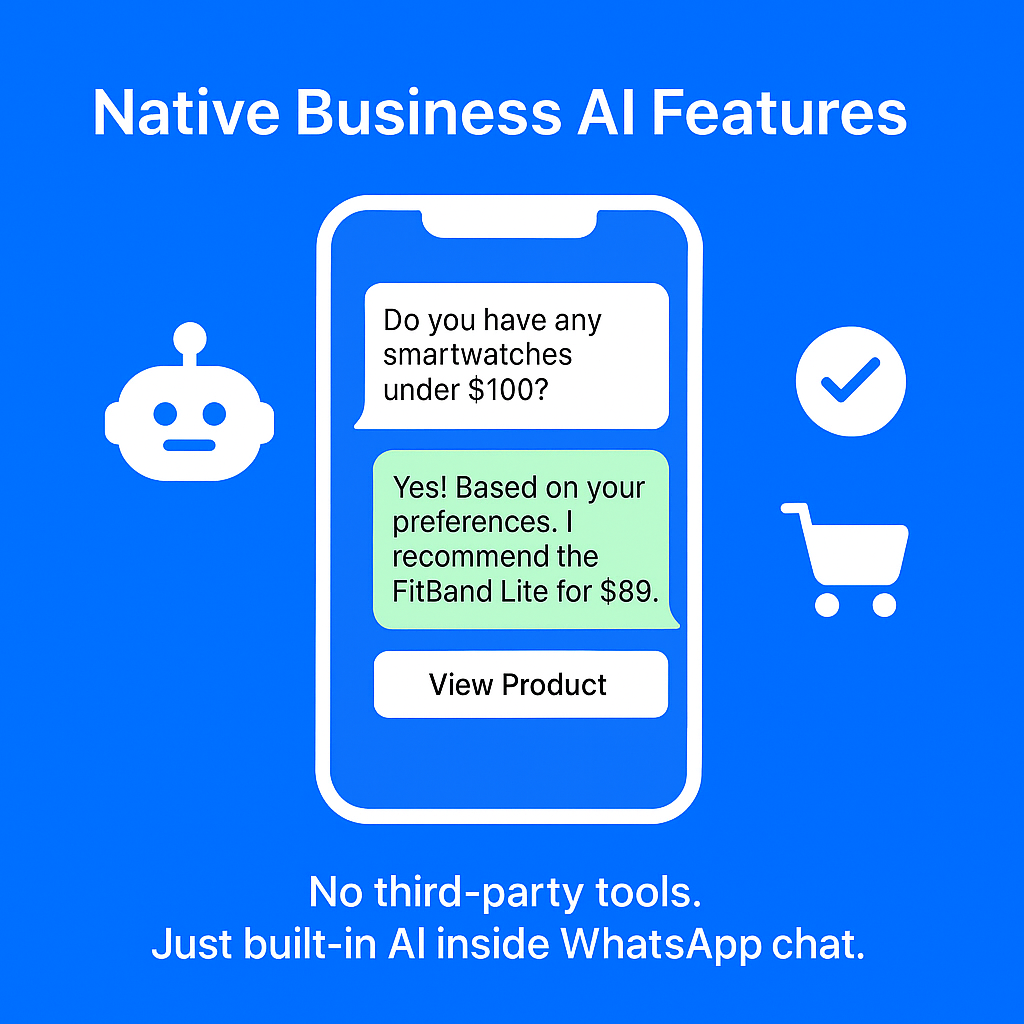
- WhatsApp Business: Connect your RAG pipeline to WhatsApp for conversational product recommendations
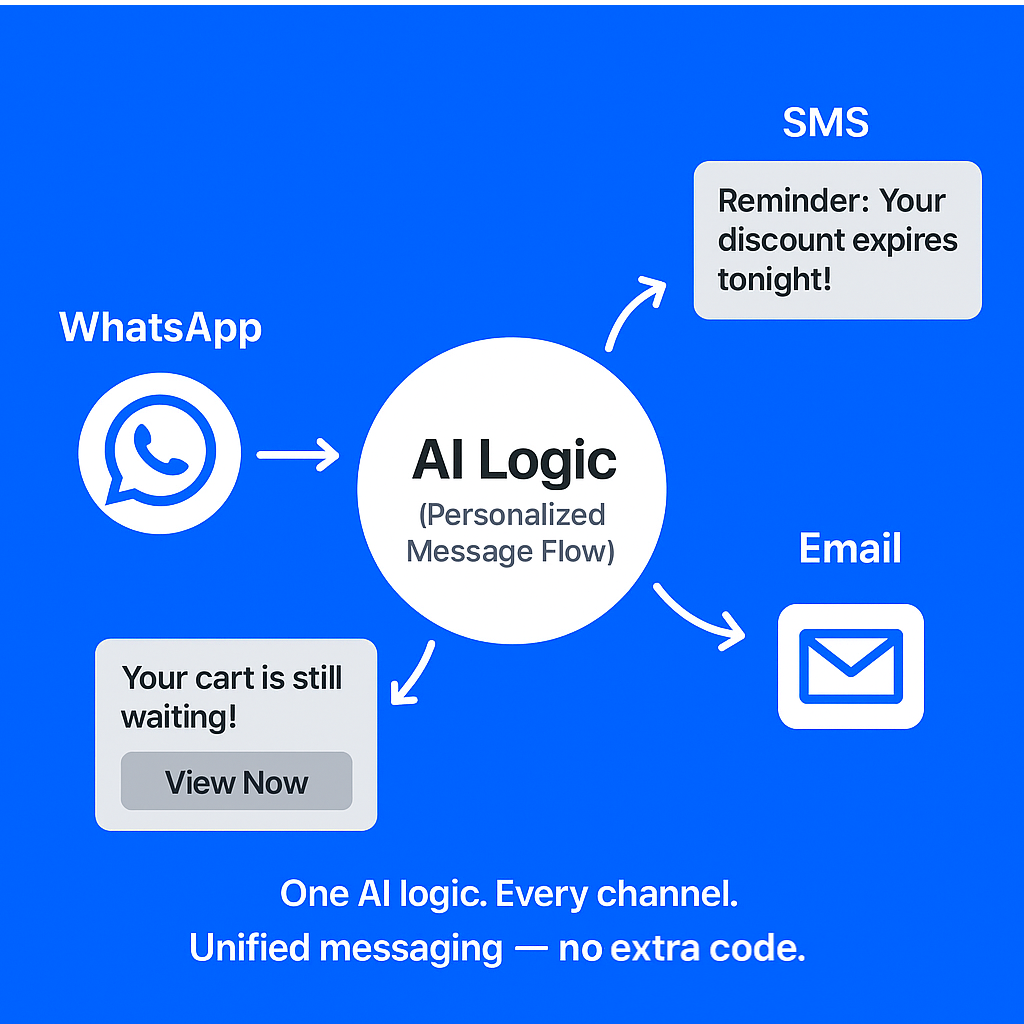
- Email Campaigns: Generate personalized product suggestions for email newsletters
- Customer Support: Provide agents with AI-powered product information lookup
- Social Media: Power automated responses to product inquiries on social platforms
Optimizing Your RAG Pipeline for Marketing Performance
Once your basic pipeline is operational, consider these optimizations to enhance marketing effectiveness:
1. Contextual Awareness
Incorporate user context like past purchases, browsing history, or demographic information to improve relevance.
2. A/B Testing Framework
Implement different retrieval strategies or response templates and measure which drives better conversion rates.
3. Feedback Loop
Capture user reactions to recommendations and use this data to refine your retrieval system over time.
4. Multi-modal Support
Extend your pipeline to handle image queries or return visual product information alongside text.
5. Real-time Inventory Updates
Connect your RAG pipeline to inventory systems to avoid recommending out-of-stock items.
Key Takeaways
- RAG pipelines connect your product data to AI agents, enabling accurate and personalized customer interactions
- The process involves data preparation, embedding generation, vector database setup, and LLM integration
- Clean, structured product data is essential for creating meaningful embeddings
- Vector databases provide efficient storage and retrieval of product information
- Proper orchestration connects all components into a seamless conversational experience
- Integration with marketing channels unlocks the full potential of AI-powered product recommendations
Conclusion
Building a RAG pipeline for your product catalog transforms static data into a dynamic asset that powers intelligent, conversational marketing. By following this end-to-end guide, you can create AI agents that accurately discuss your products, make relevant recommendations, and engage customers in meaningful conversations across multiple channels.
As AI marketing continues to evolve, businesses that effectively connect their product data to conversational agents will gain a significant competitive advantage through enhanced personalization, scalability, and customer experience.